


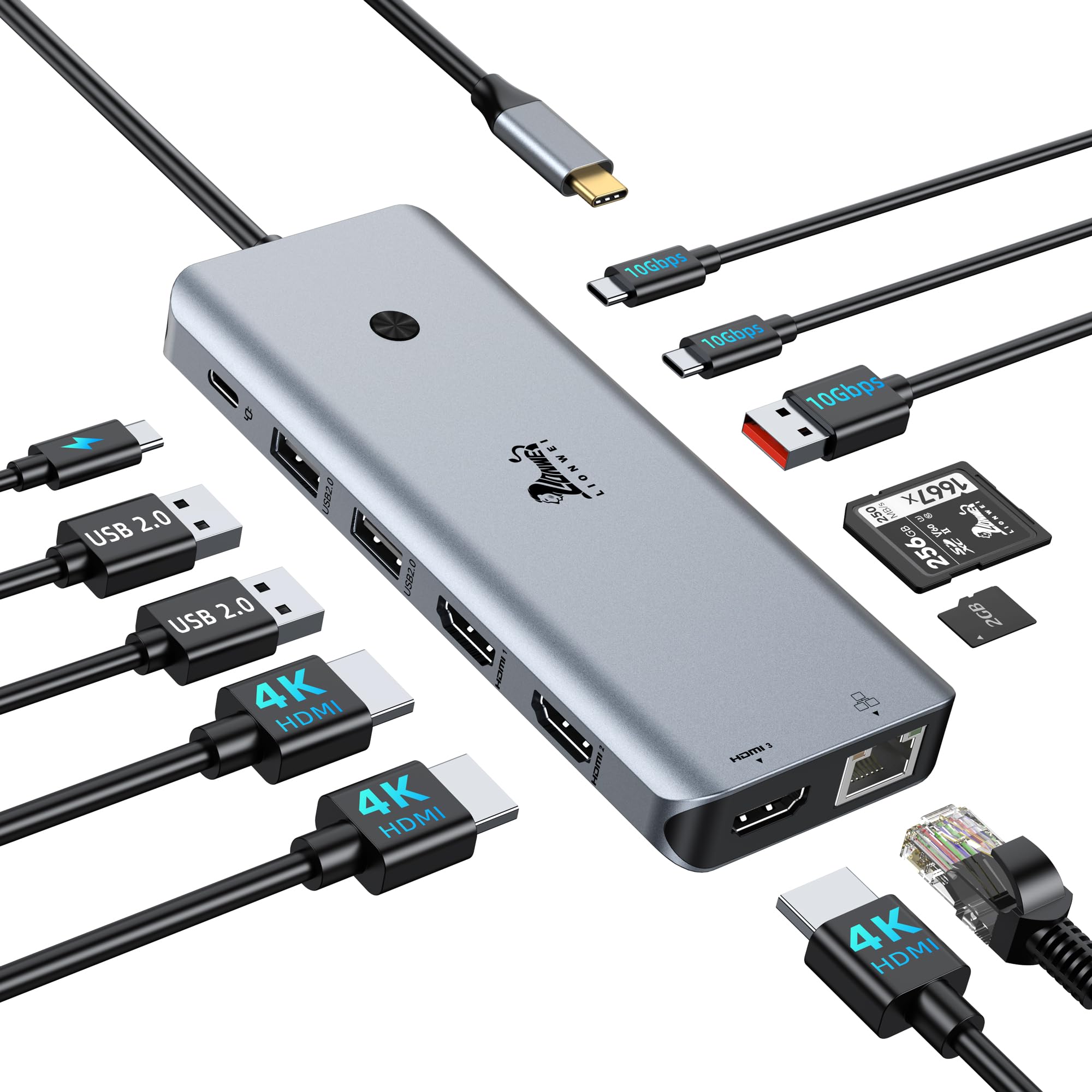
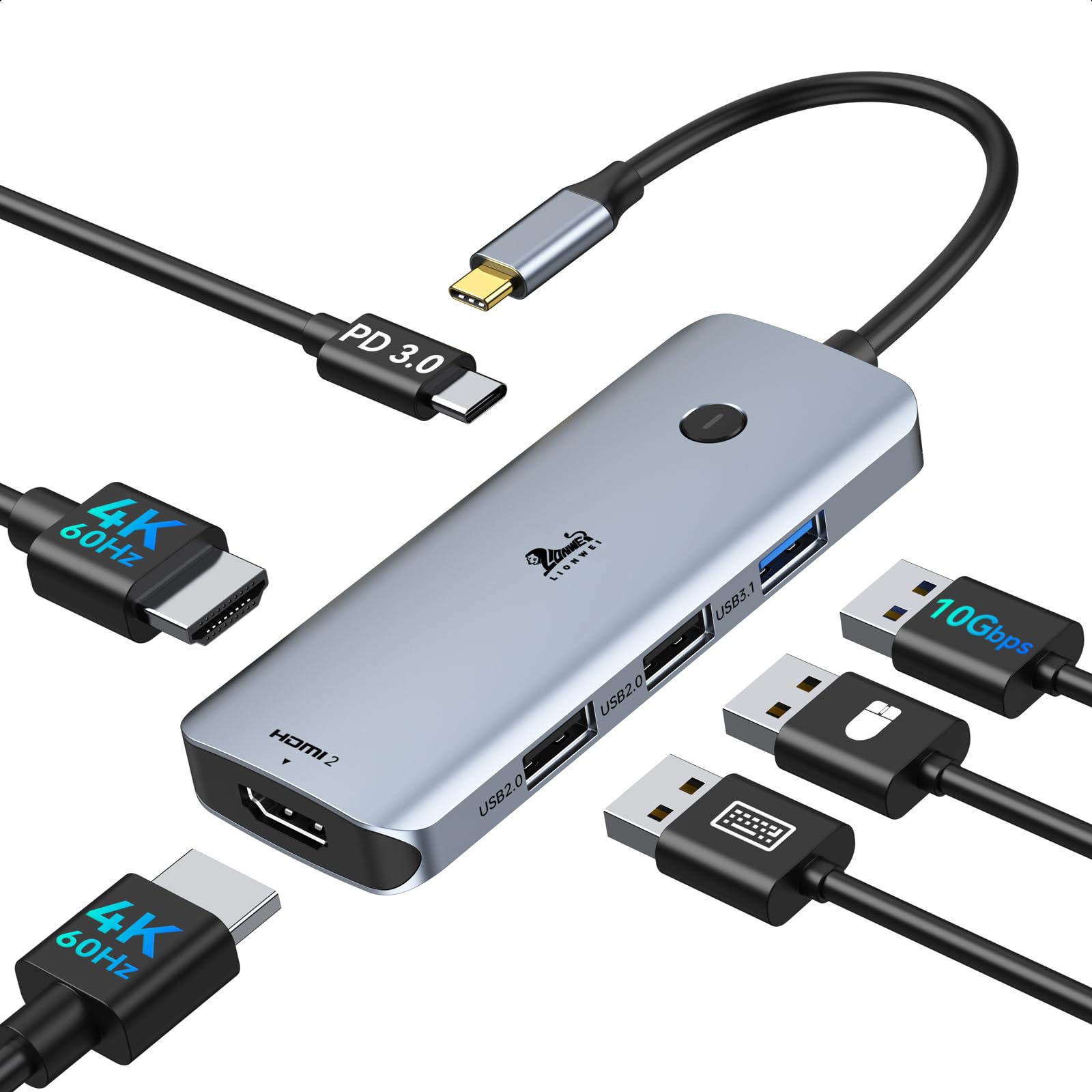



LIONWEI USB 3.0 to Dual HDMI Docking Station for MacBook (Driver Needed)
12 sold in last 24 hours
- THIS HUB REQUIRES TO INSTALL DRIVER: Please connect the usb 3 docking station and open the "INSTANTVIEW", Check the instructions on the USB flash drive. PLEASE CHECK THE USER MANUAL for your reference. An ideal HDMI dual monitor adapter for MacBook Air/Pro M1 M1 pro M2, iMac/iMac Pro, PS4 Pro, surface Pro, Chromebook Pixel, Dell, ASUS, HP, Lenovo, and more Thunderbolt 3/4 or USB 3.0 laptops
- PLEASE LET US KNOW IF YOU CAN'T INSTALL DRIVER or CAN'T DETECT THE MONITORS.Turn a single USB-C/USB 3.0 port into 2 HDMI(1*HDMI 4K@30Hz and 1*1080P@60Hz) port and 3 USB 2.0 ports. The USB 3.0/USB C dual HDMI docking station lets you mirror or extend your display by adding two independent HDMI monitors
- HDMI Splitter Extended Display For Windows/Mac OS system: This HDMI extender splitter support both SST & MST. Support mirror or extend mode with crystal clear 3D visual and high quality video experience through 2 HDMI ports. RESOLUTION WILL BE 1080P@60Hz
- Advanced Chips: Support macOS 14 Sonoma, 13 Ventura, 12 Monterey, 11 Big Sur, 10.15 Catalina including MacBook Air/Pro (M1/M2 & Intel powered), 10.14 Mojave, 10.13 High Sierra, 10.10, 10.11 and 10.12. Windows 11, Windows 10, Windows 7, Windows 8.1. Android 7.1 and above
- 18-Month Warranty & Certified Safe:FCC, CE and RoHS certified.This USB-C Adapter combines 5 ports in one step solution including 1*1080P@60Hz and 1*4K@30Hz and 3*USB 2.0. With LIONWEI, you have 30 days to try out and 18 month's product and technical support
- Please Note: Iit does not work, please update the latest driver according to the driver link in instantview
Tags |
Estimated shipping
Select a product to estimate shipping.Support for macOS System, Support MST
Extend Mode: A-B/BB/BC ( up to 4K@30Hz + 1080P@60Hz)
Mirror Mode: A-A/AA ( only max up to dual 1080P@60Hz)
Single use HDMI resolution up to 4K@30Hz
Compatible with latest M1 Pro, M2 MacBook
Support for Windows System
Why is USB 3.0 Hub not working?
Please make sure the USB Hub has installed the correct driver according to the instruction. Because this USB 3.0 Hub is not using the USB C DP alt mode function, it can’t plug&paly.
Why can't I use USB 3.0 Hub suddenly after upgrading my laptop?
When the USB 3.0 Hub cannot be used after the system upgrading, please go to SM76x Driver Download.
Can it work on other old USB A 3.0 laptops?
Yes, as long as you download the driver for the corresponding system, it will work.
Is it support extended mode on MacBook?
Yes! It can work with extend mode on MacBook and also MacBook M1 pro or M2. There is no requirement for the computer port
What support will I get?
We sincerely offer 24-hour online support, 30 days free try out and 12 months Technical Adviser and. If there is any issues with the product, I will help you to fix it.
Product details


| Main Specification | |
|---|---|
| Kompatibilis eszközök | Laptop or Macbook Air or MacBook Pro or Dell Latitude or HP EliteBook |
| Gyártó | LIONWEI |
| Elem méretei L x W x H | 3.9"L x 2.24"W x 0.7"H |
| Kikötők száma | 5 |
| Márka | LIONWEI |
| UPC | 779139580355 |
| Tételek száma | 1 |
| Termék méretei | 3.9"L x 2.24"W x 0.7"H |
| Színes | Space Gray |
| Elem súlya | 3.36 Ounces |
| Product information | |
| Hardware interfész | HDMI or USB |
| Összes USB port | 3 |
| Item details | |
| Mintaszám | LIUC0228 |
| Others | |
| Elem kiemelése | USB C/ USB A to 2 Monitor HDMI or Compatible with MacBook Pro/Air and Windows Laptop Extend Mode (Driver installation required) |
| Terméktípus | Docking Stations |
| Mfr részszám | UC0228 |
| Minimális előírt operációs rendszer verziója | Windows 7 |
| Total Number of HDMI Ports | 2 |
| Total HDMI Ports | 2 |