

WAVLINK Displaylink Docking Station Dual 4K@60Hz Monitor for Mac, Windows
9 sold in last 24 hours
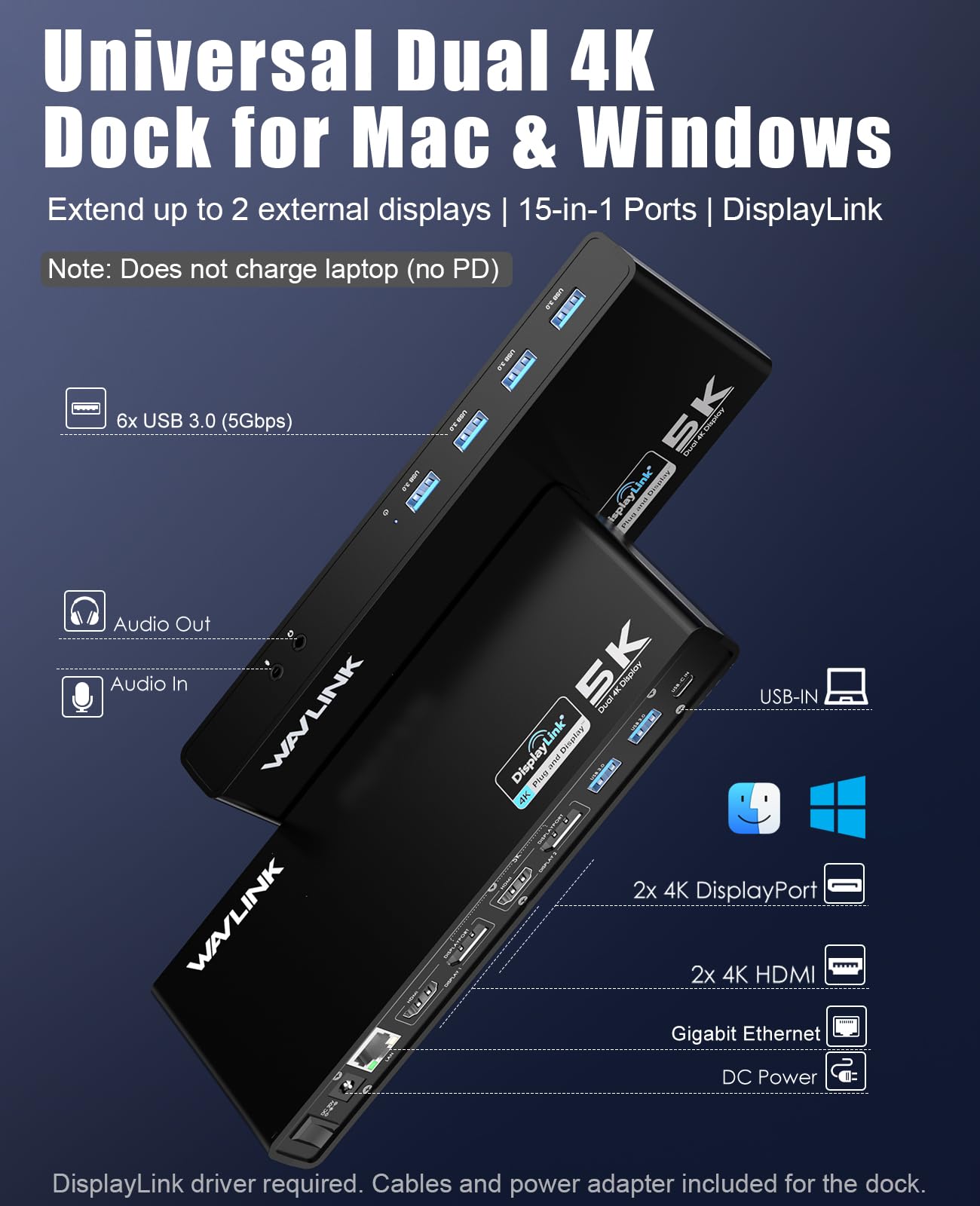
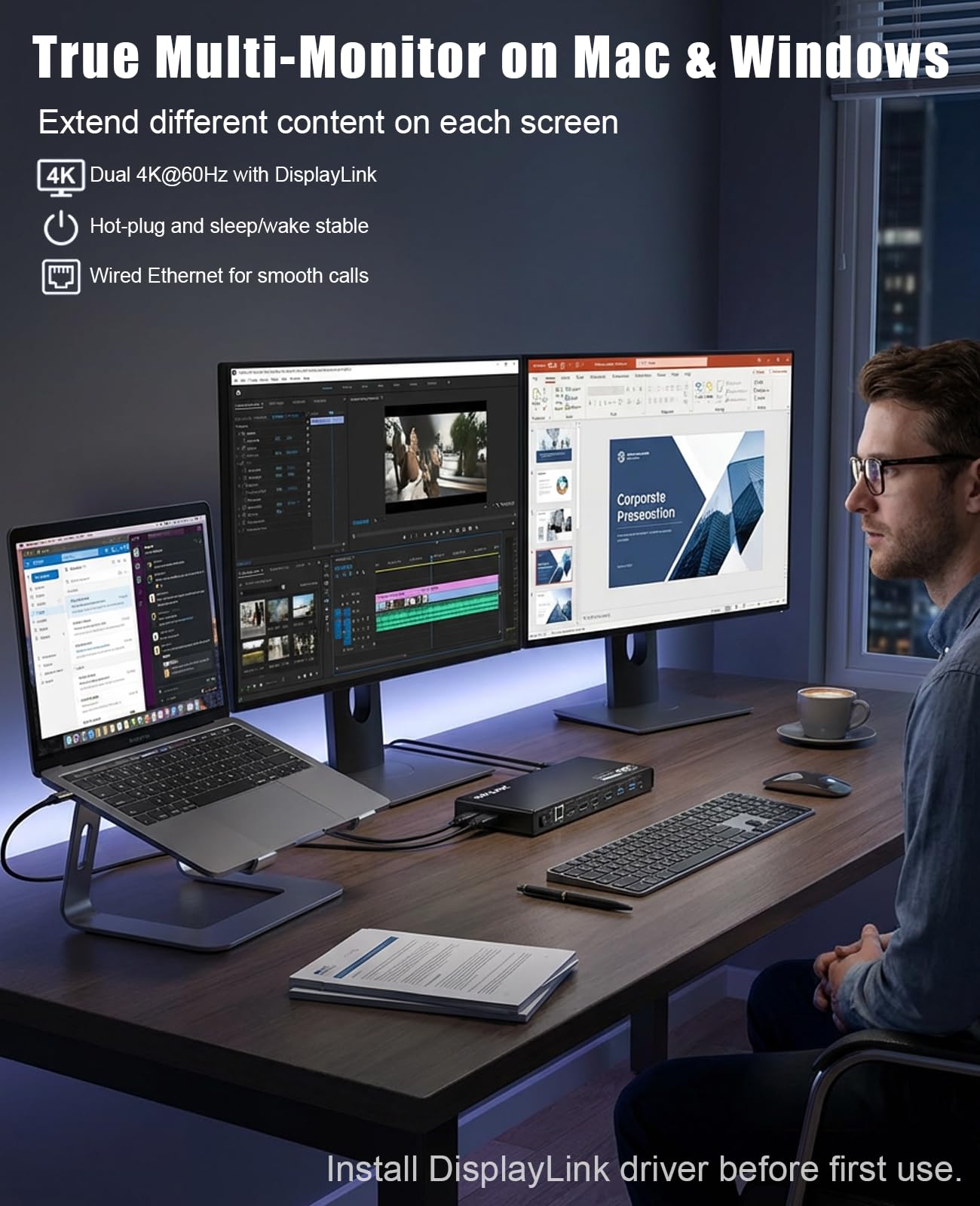
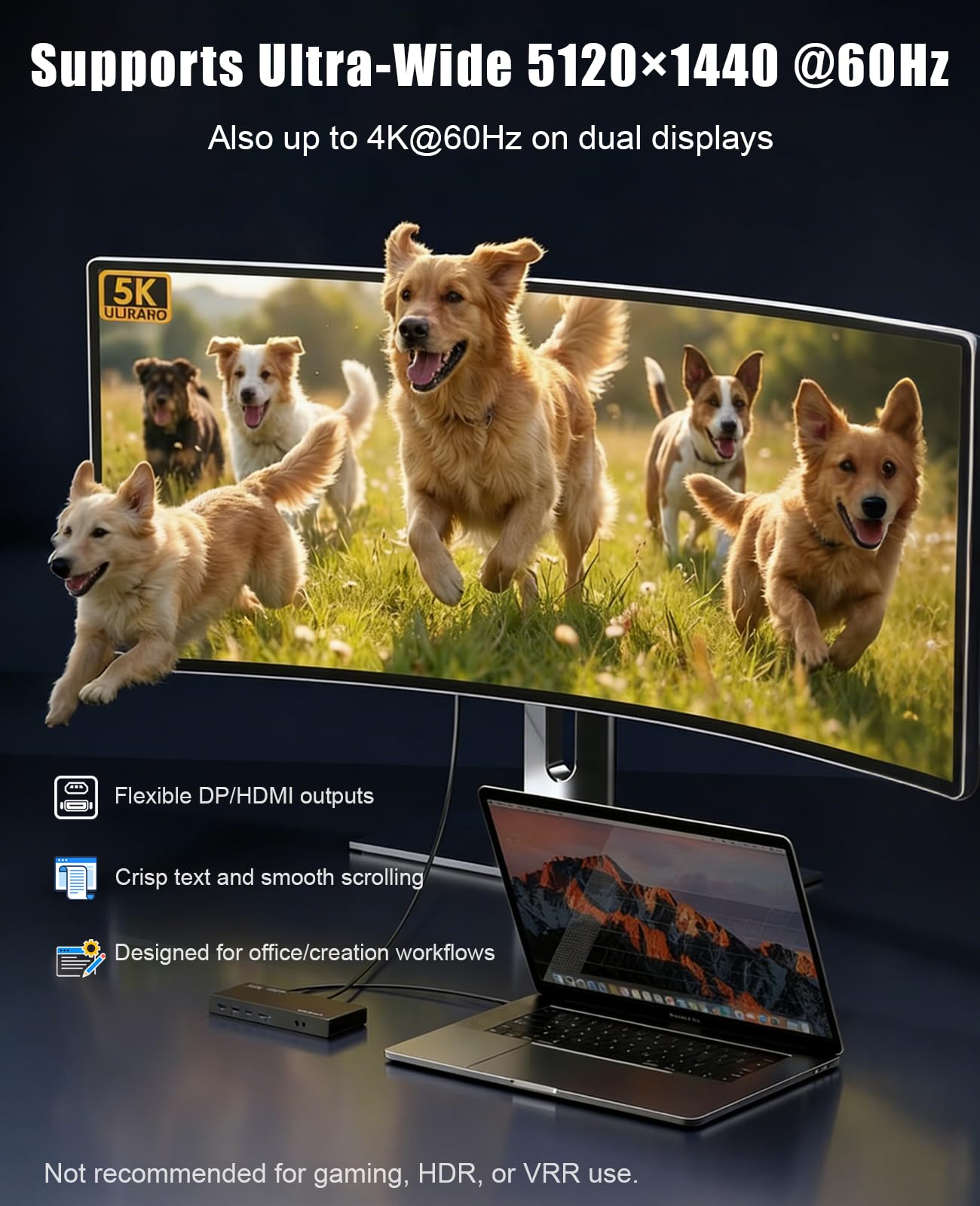
- Designed for Everyday Work and Multitasking: This universal docking station uses DisplayLink technology to connect up to two external monitors at 4K@60Hz through a single USB connection. Ideal for home offices, remote work, and daily productivity — not designed for gaming, high-frame-rate video editing, or DRM-protected streaming content.
- Flexible Dual-Monitor Setup with HDMI and DisplayPort: Equipped with 2 HDMI ports and 2 DisplayPort ports, allowing flexible display combinations: Dual HDMI, HDMI + DisplayPort, Dual DisplayPort. Supports up to two 4K@60Hz monitors on compatible systems, making it easy to build a clean and efficient workspace.
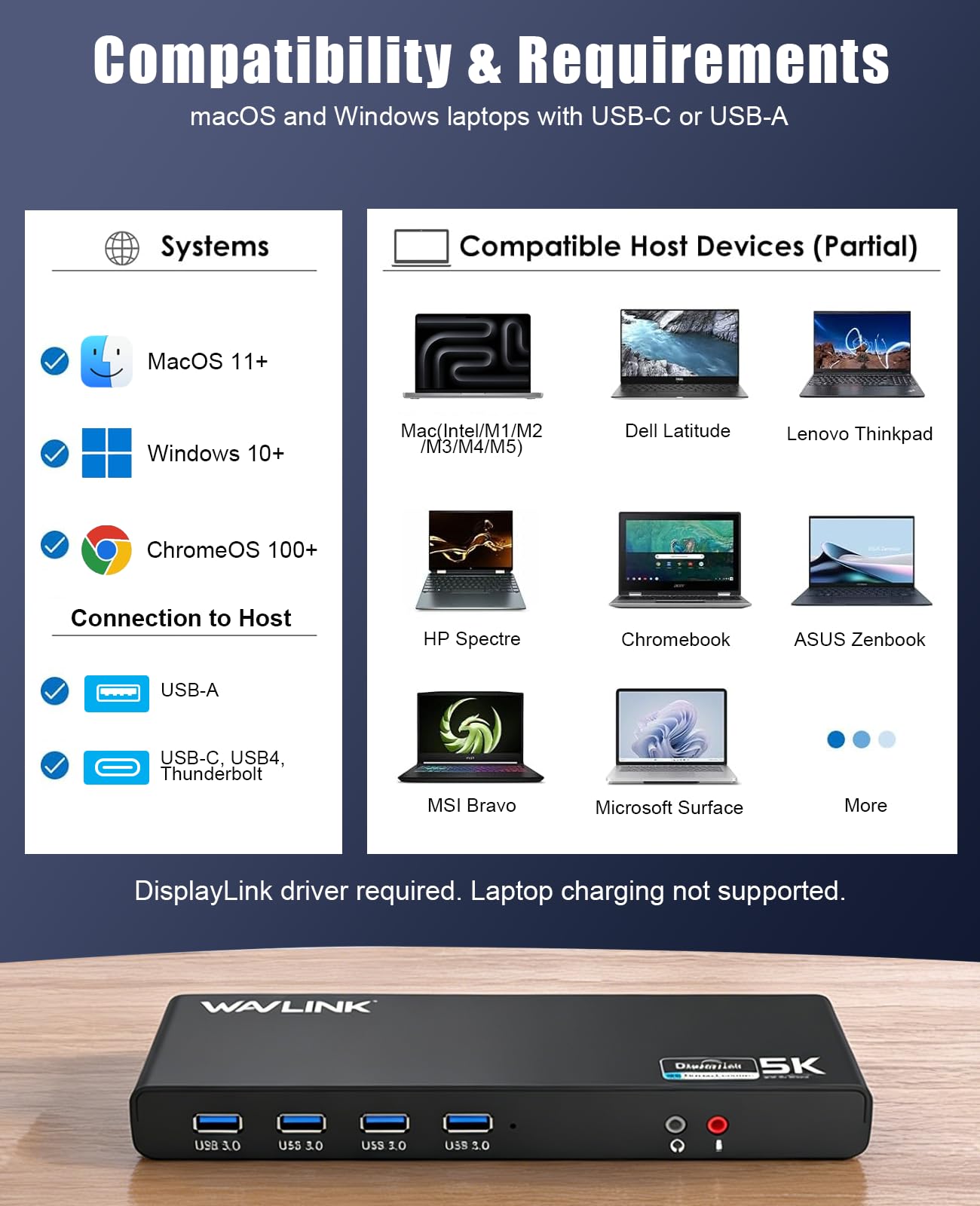
- Clear System Compatibility for Windows, macOS & ChromeOS: Compatible with: Windows 10 and later, macOS 11 and later (including Apple Silicon M1–M5 & Neo), ChromeOS 100 and later. DisplayLink driver installation is required for video output. Not compatible with Linux systems.
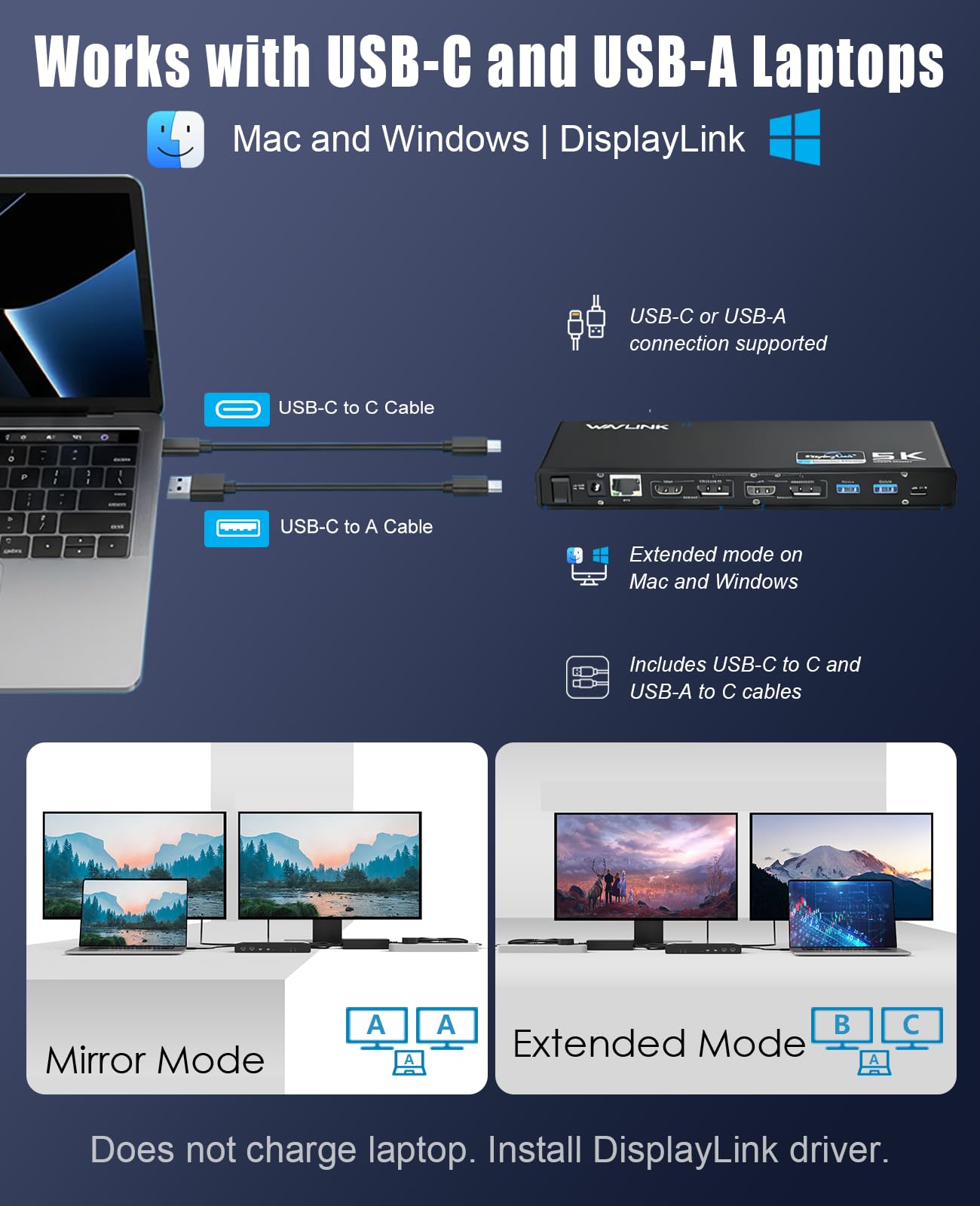
- Works with USB-A, USB-C & Thunderbolt Laptops: Supports laptops with USB-A, USB-C, USB4, Thunderbolt 3, Thunderbolt 4, and Thunderbolt 5 ports, making it a flexible solution for users who switch between devices at home or at work. This docking station does not provide laptop charging.
- All-in-One Connectivity with Reliable Setup Support: Features 6 USB 3.0 Type-A ports, Gigabit Ethernet, and 3.5mm audio jack for everyday accessories. Includes clear setup guidance and compatibility information to help ensure a smooth installation and reliable long-term use.
Estimated shipping
Select a product to estimate shipping.Driver installation required for full functionality
Can the dock charge my laptop?
This dock does not support laptop charging.
Is the dock plug-and-play? Do I need to install drivers?
No. This dock is not plug-and-play. Please download and install the latest Displaylink driver before use.
Is this docking station compatible with all HP laptops?
Compatible with most HP laptops. Some newer HP EliteBook and ZBook models may experience boot or BIOS access issues when the dock Ethernet is connected during startup. If encountered, disconnect Ethernet during boot and update to the latest HP BIOS.
When installing DisplayLink software on my Mac, why is it necessary to grant ‘Screen Recording’ permission
macOS requires "Screen Recording" for the DisplayLink driver to work properly. Approving it enables the driver to send data over USB from your computer to the DisplayLink-powered display. No data, images, or pixels are being stored or recorded.
Can the device support HDCP (copy-protected) content playback from Bluray/Netflix/Prime Video/iTunes/Hulu/etc
No,this dock can't support HDCP like content playback from Bluray/Netflix/Prime Video/iTunes/Hulu/etc.
Product details

| Main Specification | |
|---|---|
| Kompatibilis eszközök | Apple M1/M2/M3/M4/M5/Neo and Intel Macs (with macOS 10.15 or later) (with DisplayLink driver installation) or Microsoft Surface line or HP Spectre x360 series or Dell XPS 13 & XPS 15 / Latitude or Lenovo Thinkpad T seriesApple M1/M2/M3/M4 and Intel Macs (with macOS 10.15 or later) or Lenovo Thinkpad T series |
| Gyártó | WAVLINK |
| Egységszám | 1 Számolás |
| Elem méretei L x W x H | 8.9"L x 3.34"W x 1.1"H |
| Kikötők száma | 11 |
| Márka | WAVLINK |
| Tételek száma | 1 |
| Színes | 69DK1 |
| Elem súlya | 8,8 uncia |
| Product information | |
| Működési rendszer | Windows or Chrome OS or macOS |
| Hardware interfész | Ethernet or HDMI or 3.5mm Audio or DisplayPort or USB 3.0 Type A |
| Csomagok száma | 1 |
| Összes USB port | 6 |
| Technical Details | |
| Adatátviteli arány | 5 gigabits_per_second |
| Item details | |
| Mintaszám | 8541562306 |
| Tételtípus neve | USB 3.0 & USB C Docking Station |
| Others | |
| Elem kiemelése | Universal For USB 3.0/USB-C Laptop or 2 HDMI/DP or Gigabit Ethernet or USB 3.0 or Ideal for Home or Office & Multi-Screen Productivity. |
| Terméktípus | USB 3.0 & USB C Docking Station |
| Mfr részszám | WLAMJP2C-UG69DK1-A |
| Minimális előírt operációs rendszer verziója | Windows 10 |